
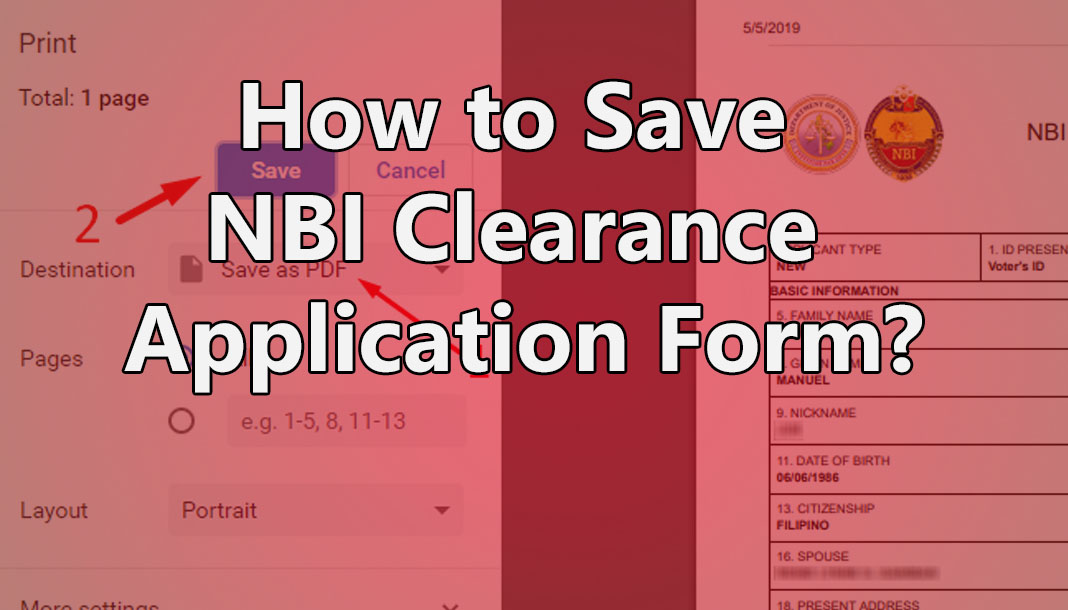
SAVE YOUR NBI CLEARANCE ONLINE APPLICATION FORM
Often, when we’re doing something, especially on the computer, we also want it to be saved in the email or in the USB or just print it for a copy.
But, how do I get a copy of the NBI Clearance online application form? Your NBI Clearance does not need to save on your computer or USB. Since it has been saved in the database of NBI’s website and by your email and password used to register on the website, you will see it again.
If you really need to save it and print it for other purposes, below is my screenshot to guide you on how to save your NBI Clearance online Application form.
This link will help you to go to the NBI Clearance Online Application log-in site tutorial.
SAVE YOUR NBI CLEARANCE ONLINE APPLICATION FORM
1. Log-in using your email and password used to register in the NBI Clearance online.

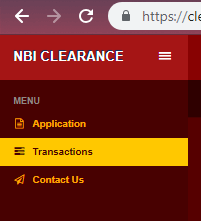
2. When entering the website, the “Transactions” menu is on the side. Click it and it will go to your previous transaction.
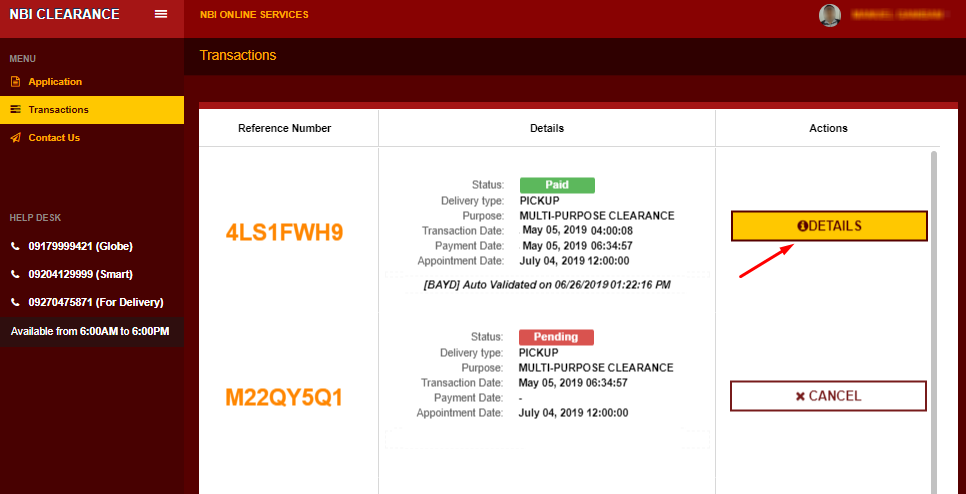
3. The below screenshot will show after clicking the “Transaction”. This way, you can click the “DETAILS” to show another window and to print or save your application form.
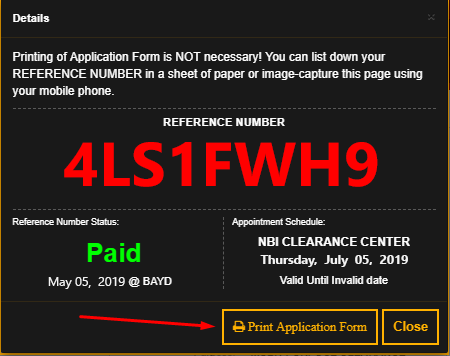
4. When you click the “Details,” the screenshot will show, and by clicking the “Print Application Form,” another tab in your browser will appear.
5. In this section, you will see the arrow pointing to the circle green, and that is the print icon. Click the green icon and it will pop up the print area.

6. The screenshot below is the print area. As you can see, I have numbers with a pointed arrow. Since we want to save this form, we need to select the first arrow to Save as PDF, then click Save. The form can only be saved as a PDF file.
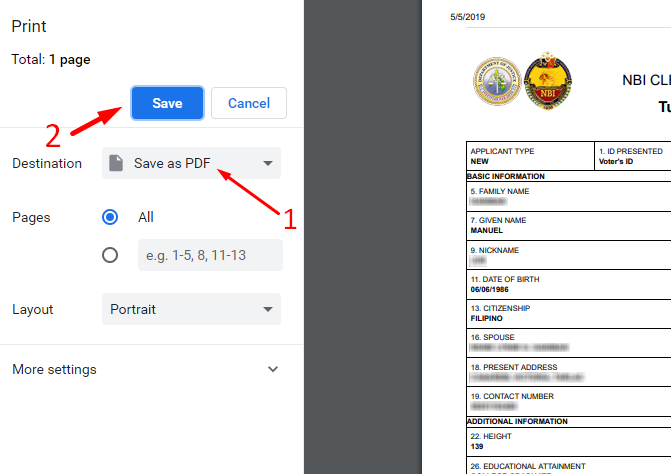
7. This file can be saved to your USB, sent to email, or printed.
Now you have a copy of your NBI Clearance. Congrats!
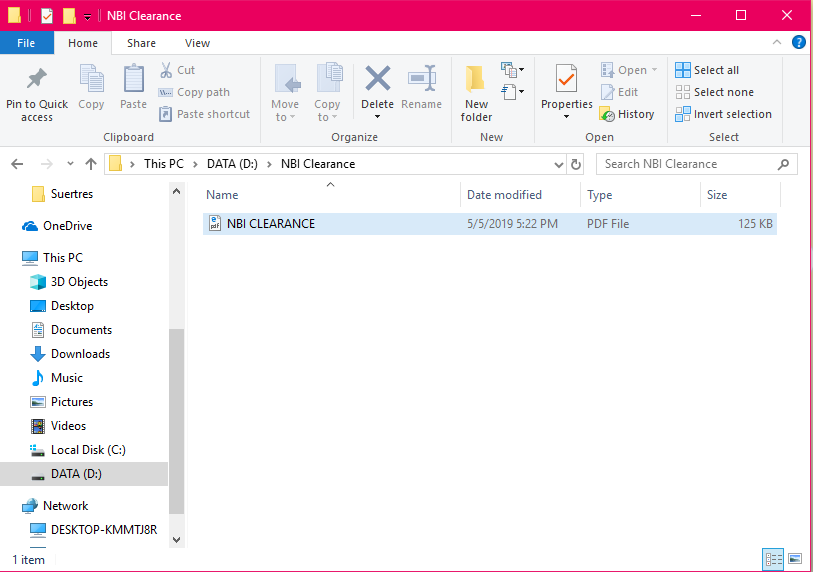
Note: As I stated above, The print out is not necessary needed to bring to the NBI Clearance office or showing this print when paying your NBI Clearance. All you need to have is the Reference Number to show to them.
That’s it if you guys have another question on your NBI Clearance. feel free to comment and we will happy the make another topic regarding your question.


Can I do the payment in the branch,khit Po s online aq nag register.?pending p din Po nkalagay dun s transaction eh schedule date q n po.pwede n Po b aq pumunta s NBI branch?