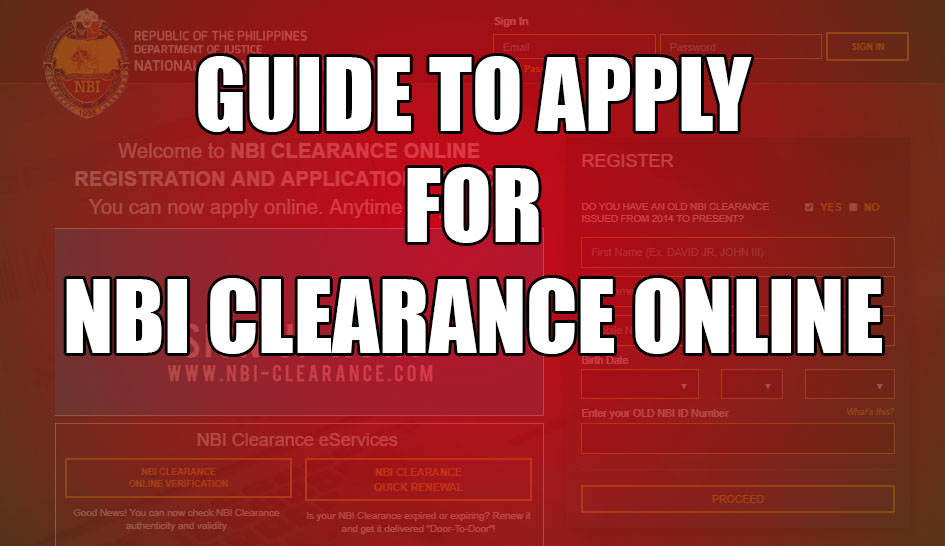
GUIDE TO APPLY NBI CLEARANCE ONLINE
August 20, 2025, Updated
We all know that most of us are reaching the right age, and we need to work and meet the requirements, and one of the requirements is the NBI Clearance.
How to apply for NBI Clearance online? Here is the guide. Go to the NBI’s site, register, then schedule an appointment and pay. When the schedule comes, go to the NBI Branch and get your NBI Clearance.
Please note that obtaining an NBI Clearance is not a one-day process. You must first register on the website, choose a schedule available, and pay the bill at the payment center recommended by the NBI’s website.
If you need your NBI Clearance within one or two weeks, it is better to apply or register now. Even if the slot for the schedule is full, you still have time to get a new schedule.
I have made the screenshot below so you can understand more about how to apply for NBI Clearance Online.
Guide to Apply NBI Clearance Online

1. Prepare Email address – This email address is used to confirm your registration in NBI Clearance Online and also send the One Time Password (OTP)
2. Register to NBI Clearance website – Go to the NBI Clearance site https://clearance.nbi.gov.ph/ Check “No” and fill out all the necessary details and register using your email.
The screenshot below is a sample registration as a new account.

3. Log in using your email – Use the email address that you used to register and SIGN IN

4. Fill out the Application form – Fill out the box with your information, and after you are done, click the SAVE INFORMATION.

5. APPLY FOR CLEARANCE – Before starting to click the “APPLY FOR CLEARANCE,” make sure to check your information, and if you’re sure there is no mistake, then click the “APPLY FOR CLEARANCE”.

6. Confirmation – You can choose which available ID you have to confirm and click the “I Agree” button.

7. Appointment Schedule – Select the NBI Branch near you, then pick the date and time available. The Appointment Schedule and information will show on the right side.

8. Payment- Select the payment option where you are prepared to pay, and the pop-up will show as a reminder, then click proceed.

After clicking the proceed, your reference number will show. This time the NBI reference number has a Barcode, in this way you can use your cellphone to take a photo or scan with the Barcode Scanner to save the reference number to your phone.
The total amount to be paid is 155, as summarized below.

If you choose the 7-11 to pay your bill in NBI, I prepared a tutorial on How to Pay your NBI Clearance in 7-11
Note: Keep your receipt after paying for the NBI Clearance. You still need this when you go to the NBI Clearance Branch.
After paying for your NBI Clearance, wait for your schedule.
9. Get your NBI Clearance – Since you registered as a new applicant, your appearance will be needed. And don’t forget to bring the IDs you prepared to the NBI Clearance.
The last steps you’ll need are in the NBI Clearance office to get your clearance.
- Picture taking
- Biometric
- Releasing Clearance
The release is the last, and you wait until your name is called to get your NBI Clearance.
The time you will spend depends on the volume of the applicants.
Some of the information is a blur. But I hope this article can be very helpful. If you have a concern, you can leave a comment, and we will get back to you soon.

Mahirap sa Buhay
Get NBI clearance
Nd naman po ako makaregister?
Paano po mag online appointment?
Registration nbi
New applicant for NBI clearance
Good morning po sorry kung hindi ko nakuha yun Nbi nung Friday dahil binantayan ko ang aking lola